Repeatable cinematic project setup.
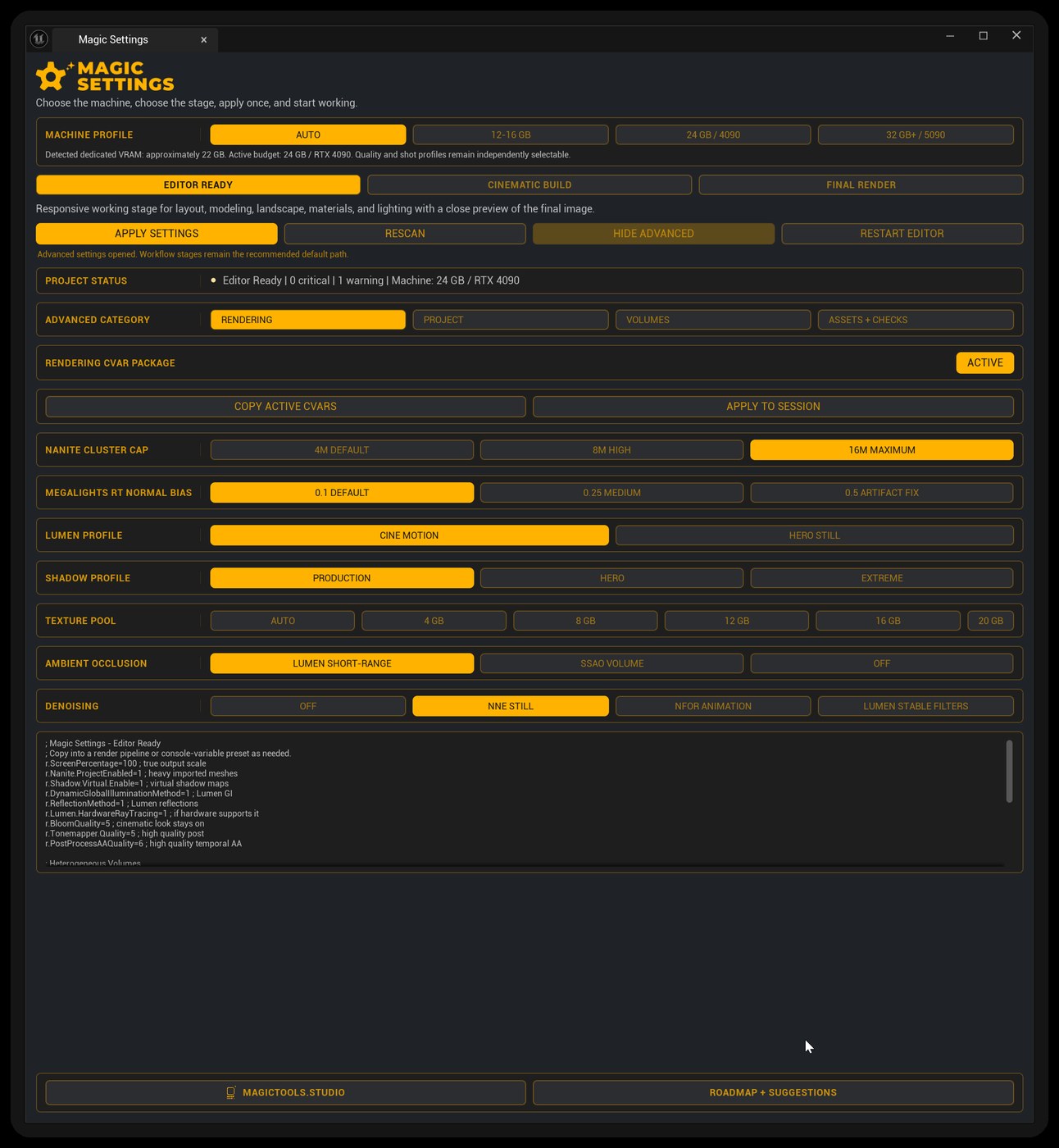
Three decisions stand between an empty project and a dialed-in one: the machine, the stage, the apply. Magic Settings makes each one explicit, writes the whole configuration in a single pass, and gets you back to creating.
- Machine profiles - Auto, 12-16 GB, 24 GB / 4090, 32 GB+ / 5090, with ray tracing memory budgets
- Staged presets - Editor Ready, Cinematic Build, Final Render
- Shot Volume optimization - stage-matched Lumen, Path Tracing and RT translucency PPV packages, with one-click snapshot restore
- Optional NVIDIA DLSS - Performance, Quality and native DLAA, without stacking sharpening
- Guided preflight - DX12 + Shader Model 6 check, direct apply, enable and safe restart
- Advanced control - rendering CVars, plugin packs, Hero Asset Prep
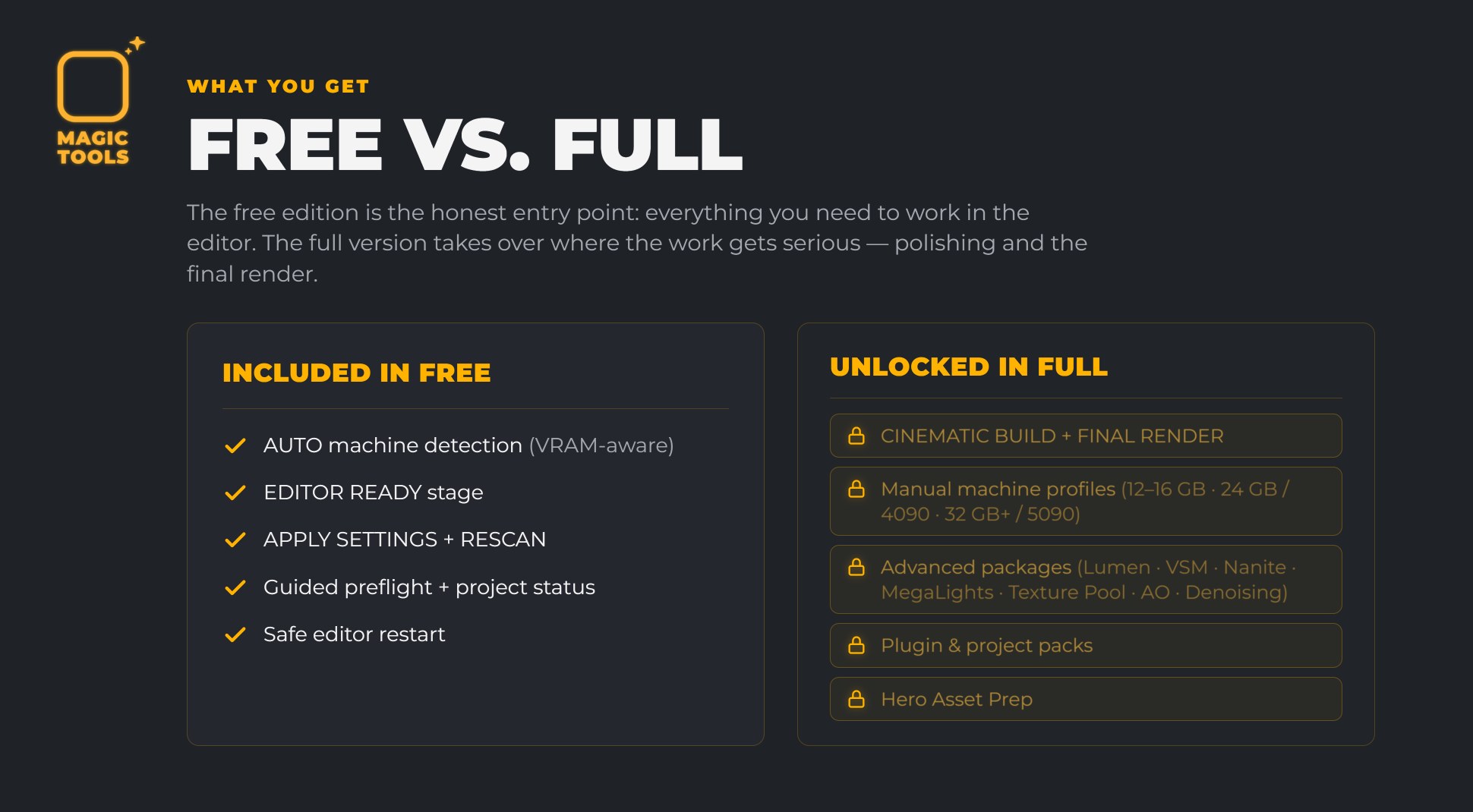
Free edition on Fab. Auto machine detection and the Editor Ready stage,
in one click. The full version adds Cinematic Build, Final Render, Shot Volume optimization, DLSS,
the advanced packages and Hero Asset Prep. Upgrading is a drop-in: replace the plugin folder, keep your project.