Cinematic Unreal Engine tools

Test the direction before you commit the work.

A small Unreal plugin studio building tools for look development, iteration, and surfaces - without leaving the editor.

One capture. Endless iterations. Controlled animations.
Showreel - Magic Window in the Unreal viewport
The workflow

Capture. Direct. Iterate.

You start from the real Unreal viewport - not an empty prompt. The scene you built stays the anchor; the tools add a faster feedback loop around it.

1

Capture

Grab the actual viewport or a selected region. Your composition, camera, and lighting are already the source of truth.

2

Direct

Guide the change with words, sketches, presets, and references. You set the direction - the AI fills in around it.

3

Iterate

Compare variations, keep the one worth building, and move a frame into a controlled motion test. Decide visually, then commit.

AI-assisted lookdev iteration, inside the editor.

Capture a frame from the Unreal viewport, explore lighting, mood, weather, and season variations, compare them side by side, then turn a chosen still into a short controlled motion clip. You stay in charge of direction; the AI fills in the in-between.

  • Single-frame capture to controlled motion test (MagicAnimate)
  • Multi-provider: Google Gemini + Veo, OpenAI, fal.ai Seedance
  • Your own API keys - no plugin proxy
  • Economy iteration tiers: explore a mood twenty times before committing
Magic Window on Fab
Chrome look iterated in Magic Window
Raw captured frame from the Unreal viewport
Capture Iterate
Capture to Iterate

Build the surface, not the setup.

From texture to finished material faster - with less custom UV work and no rebuilding the same master graph for every asset. A beginner-friendly entry that stays useful all the way into production look development.

  • Three master families: Base, Blend, Cloth (plus VT variants)
  • Reduced custom UV work via Advanced Mapping
  • Layered blending, soft masks, dirt, grunge, displacement carry-through
  • Optional stochastic tiling - used only where the camera sees it
Ultra Surface Shader on Fab
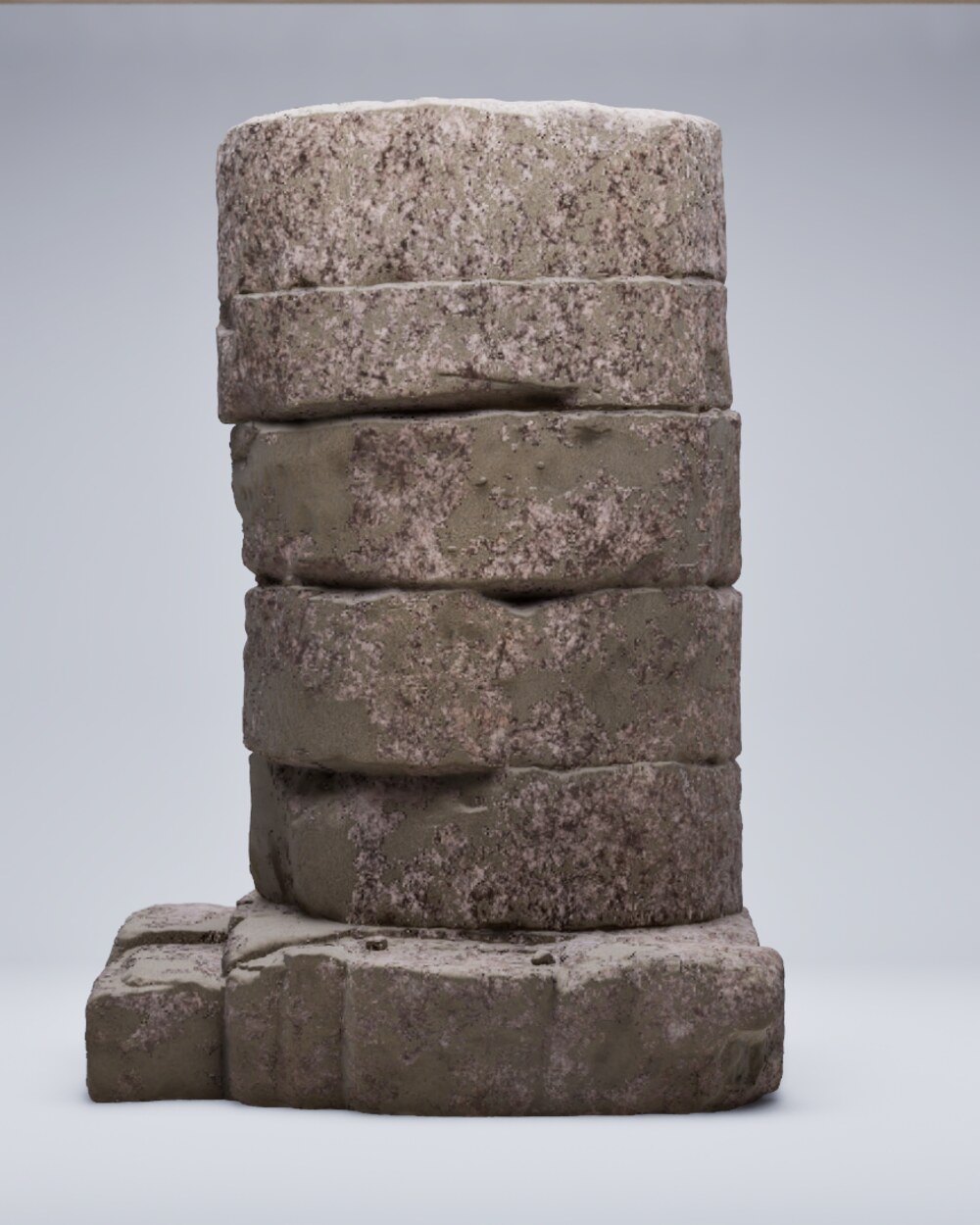
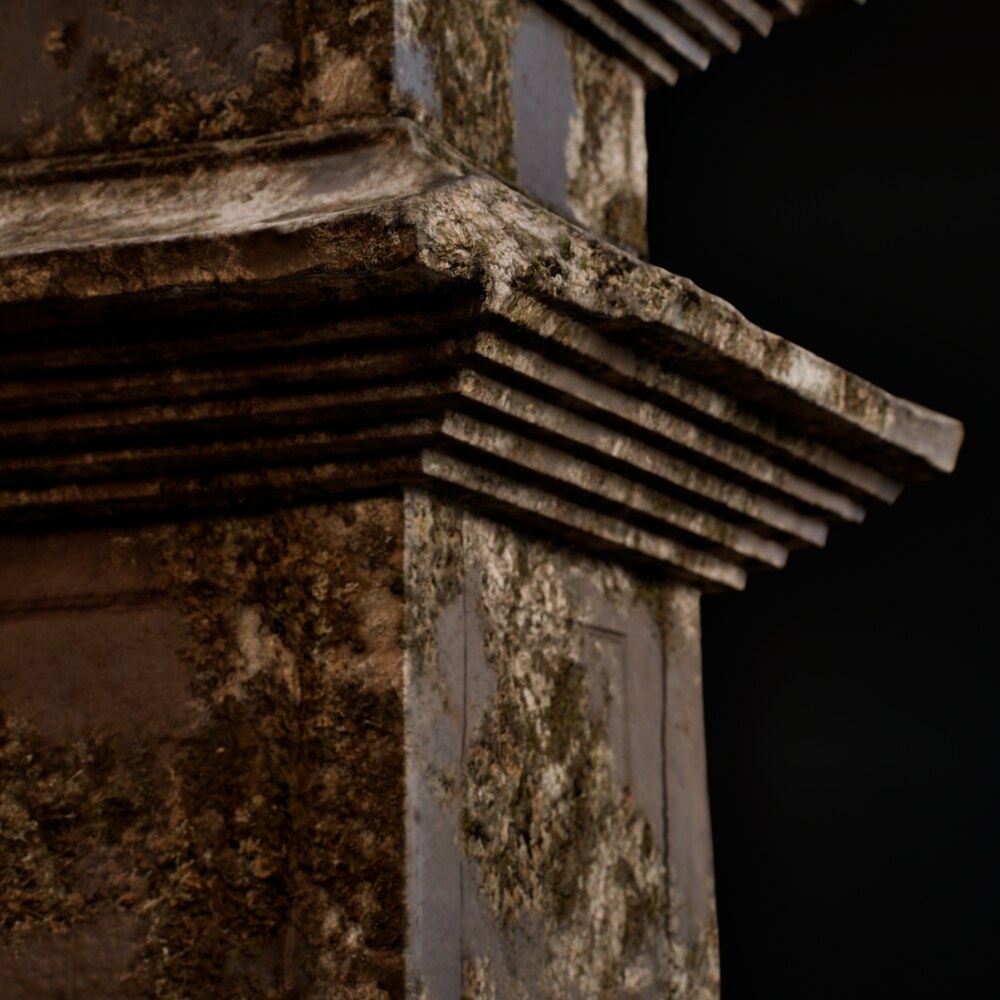
Finished stone material built with Ultra Surface Shader
Surface mask driving the layered material
Mask Surface
Mask to Surface
Surface in context
Across environments

Repeatable cinematic project setup.

Three decisions stand between an empty project and a dialed-in one: the machine, the stage, the apply. Magic Settings makes each one explicit, writes the whole configuration in a single pass, and gets you back to creating.

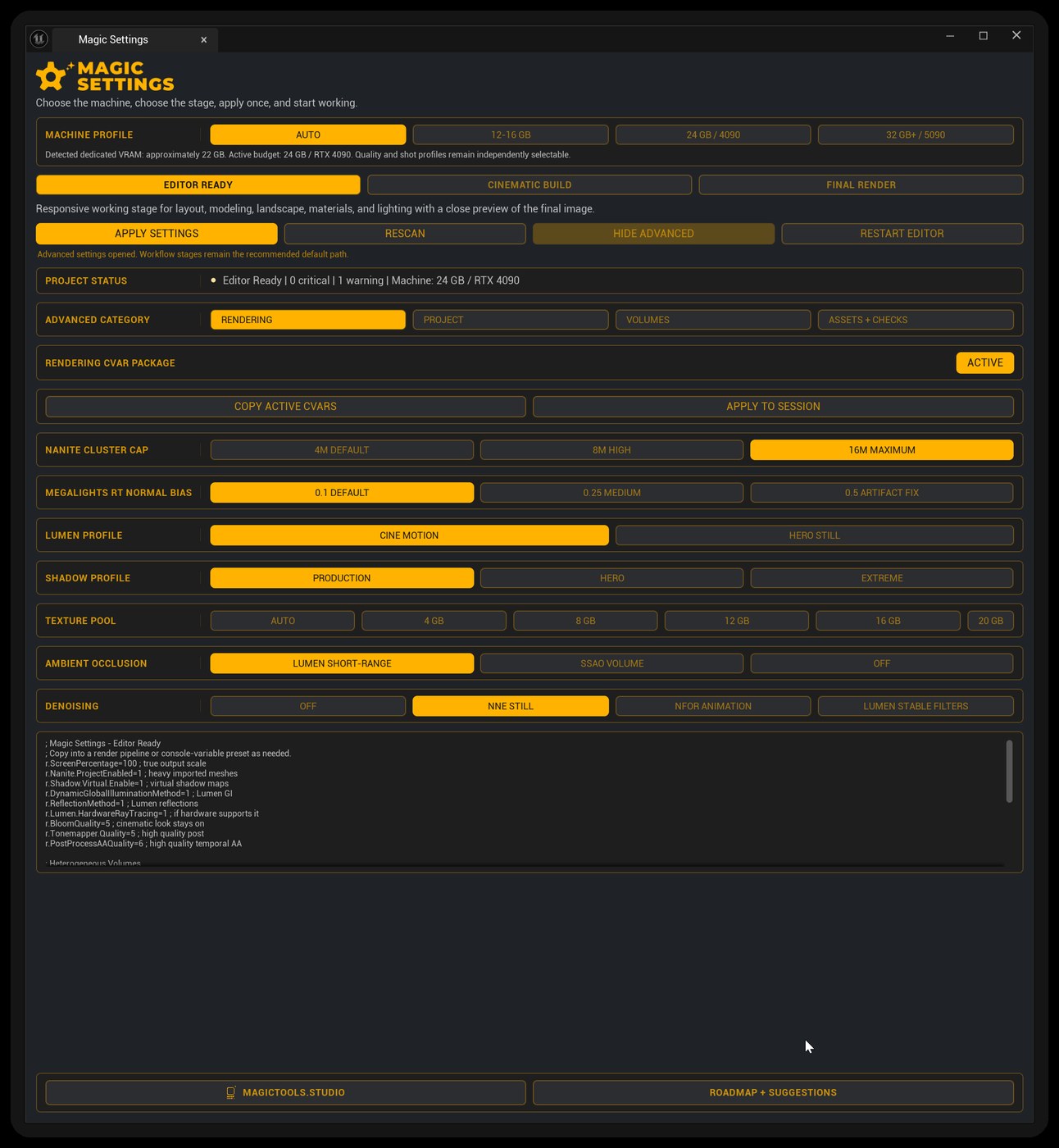
  • Machine profiles - Auto, 12-16 GB, 24 GB / 4090, 32 GB+ / 5090, with ray tracing memory budgets
  • Staged presets - Editor Ready, Cinematic Build, Final Render
  • Shot Volume optimization - stage-matched Lumen, Path Tracing and RT translucency PPV packages, with one-click snapshot restore
  • Optional NVIDIA DLSS - Performance, Quality and native DLAA, without stacking sharpening
  • Guided preflight - DX12 + Shader Model 6 check, direct apply, enable and safe restart
  • Advanced control - rendering CVars, plugin packs, Hero Asset Prep

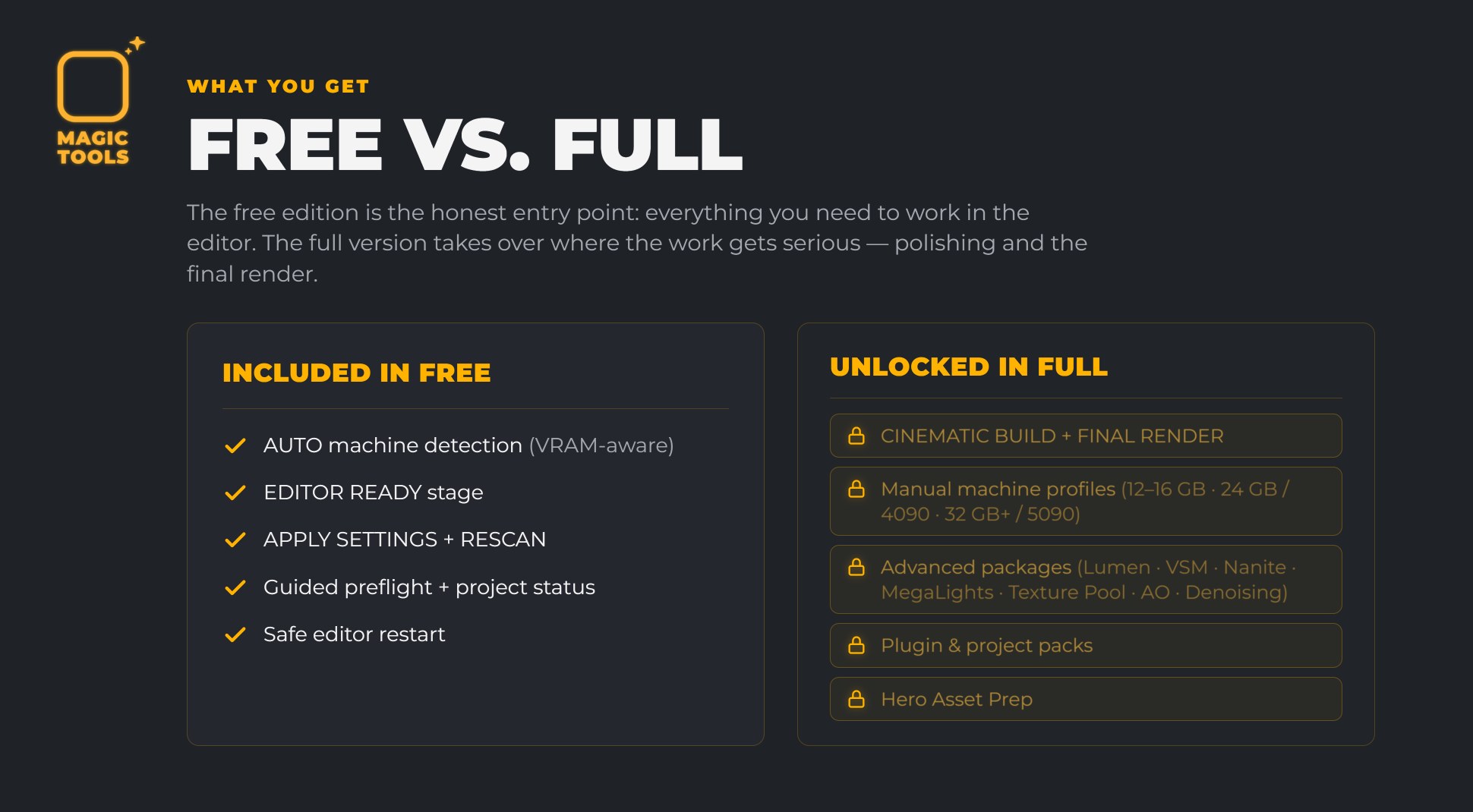
Free edition on Fab. Auto machine detection and the Editor Ready stage, in one click. The full version adds Cinematic Build, Final Render, Shot Volume optimization, DLSS, the advanced packages and Hero Asset Prep. Upgrading is a drop-in: replace the plugin folder, keep your project.


Get Magic Settings Free Full version on Fab
The Magic Settings panel inside the Unreal Editor
One-click project setup
Free vs full: what the free edition includes and what the full version unlocks
Free vs full
Get the tools

Built for Unreal Engine 5.

Magic Window, Ultra Surface Shader and Magic Settings - all live on Fab. Magic Settings ships a free edition and a full version. The roadmap decides what goes into the next update.